Exact image sizes for Etsy, KDP, and print-on-demand: the pixel guide for 2026
August 7, 2026
Every platform has its own pixel requirements. Get them wrong and your file gets rejected, your print looks blurry, or your listing photo gets cropped in the wrong place. This guide covers the exact numbers you need for Etsy, KDP, Printful, Printify, and Redbubble.
Etsy listing image dimensions
Etsy recommends a minimum of 2000 pixels on the shortest side, but the sweet spot for listing photos is 3000 x 3000 pixels (1:1 square). This works across every thumbnail placement on the platform.
For landscape listings (common for prints and digital downloads), use 3000 x 2250 pixels (4:3 ratio). For portrait-oriented items, 2250 x 3000 pixels keeps everything sharp.
Etsy's file size cap is 100 MB. For print-ready files you want to sell as digital downloads, 300 DPI is the floor. Use Scaler's Etsy preset at /tool to resize any file to these specs in one click.
Etsy key specs at a glance:
- Listing photo: 3000 x 3000 px (square) or 3000 x 2250 px (landscape)
- Minimum longest side: 2000 px
- Digital download max file size: 100 MB per file, up to 5 files
- Color mode: sRGB (CMYK will shift on screen)
KDP book cover dimensions
Amazon KDP calculates cover dimensions from your book's trim size and page count. The formula matters because the spine width changes as page count changes.
For a 6 x 9 inch paperback, the front cover alone is 1800 x 2700 pixels at 300 DPI. Add the back cover (another 1800 px) plus the spine (varies by page count) and you get the full wraparound.
KDP requires a bleed of 0.125 inches on all outer edges. At 300 DPI, 0.125 inches = 37.5 pixels, so round up to 38 px per edge.
Full wraparound cover for a 6 x 9 paperback with 250 pages:
- Total width: 1800 (back) + spine (~153 px for 250 cream pages) + 1800 (front) + bleed (76 px) = 3829 x 2775 pixels
- Spine pixel width for white paper, 250 pages: approximately 130 px
- Spine pixel width for cream paper, 250 pages: approximately 153 px
KDP's official cover calculator at kdp.amazon.com gives you the exact spine width for your specific page count and paper type. Use Scaler's KDP preset at /tool to resize your cover to the right canvas size after you have the numbers.
KDP common sizes at 300 DPI:
- 6 x 9 front cover (no bleed): 1800 x 2700 px
- 6 x 9 front cover (with bleed): 1875 x 2775 px
- 5 x 8 front cover (with bleed): 1575 x 2475 px
- 5.5 x 8.5 front cover (with bleed): 1725 x 2625 px
Printful t-shirt and apparel
Printful prints at 150 DPI for most garments, which means a full front chest design needs to be bigger than you might expect.
For a standard front chest print (12 x 16 inches at 150 DPI), the target is 1800 x 2400 pixels. For a full-front oversized print (15 x 22 inches), you need 2250 x 3300 pixels.
Printful accepts PNG or JPG, with transparency via PNG only. White ink printing on dark garments requires a transparent background PNG.
Printful key specs:
- Front chest print (12 x 16 in): 1800 x 2400 px at 150 DPI
- All-over print: 4500 x 5400 px at 150 DPI
- Poster (18 x 24 in): 2700 x 3600 px at 150 DPI
- Mug (11 oz): 2700 x 1080 px at 150 DPI
- Color mode: sRGB
Use Scaler's Printful presets at /tool to hit these dimensions without manual calculation.
Printify specs
Printify uses a similar print resolution to Printful but gives you a slightly different placement guide. The main difference: Printify shows you a design template for each product, and you need to fill that template's pixel dimensions exactly.
Common Printify product sizes:
- T-shirt front (print area): 4500 x 5100 px at 300 DPI
- Hoodie front: 4500 x 4200 px at 300 DPI
- Phone case: 1800 x 3120 px at 300 DPI
- Canvas tote (front): 4800 x 4800 px at 300 DPI
Printify recommends 300 DPI for most products, which is higher than Printful. If you have an existing Printful file, resize it up before uploading to Printify or the print may appear softer.
Redbubble master file specs
Redbubble uses one master file and scales it to fit every product in your shop. Uploading the largest file you have gives Redbubble the most to work with.
Redbubble recommended upload size: 6000 x 6000 pixels or larger. This covers everything from stickers to tapestries.
For non-square artwork, a 6000 px on the longest side with proportional height gives you coverage across most product types.
Redbubble key specs:
- Maximum file size: 300 MB
- Preferred format: PNG (for artwork with transparency) or JPG (for photographic work)
- Minimum: 1024 x 1024 px (you will be warned for anything under 2400 px)
- Sticker size: at least 1500 x 1500 px
How to resize without quality loss
Resizing down from a large master file almost always works fine. Resizing up (enlarging a small file) is where quality drops.
The safest workflow:
- Work at the largest size you need
- Export platform-specific files from that master
- Never upscale a file that started smaller than your target
Scaler at /tool handles the math for you. Pick the platform preset, drop your file in, and download the correctly-sized export. Free for your first session.
Quick reference table
| Platform | Use case | Pixels |
|---|---|---|
| Etsy | Listing photo (square) | 3000 x 3000 |
| Etsy | Listing photo (landscape) | 3000 x 2250 |
| KDP | 6x9 front cover + bleed | 1875 x 2775 |
| KDP | 5x8 front cover + bleed | 1575 x 2475 |
| Printful | Front chest t-shirt | 1800 x 2400 |
| Printful | All-over print | 4500 x 5400 |
| Printify | T-shirt front | 4500 x 5100 |
| Redbubble | Master file | 6000 x 6000 |
Bookmark this page. Platform specs change, but these numbers are current as of 2026 and sourced from each platform's own documentation.
When you need to hit a specific dimension fast, open Scaler at /tool. Paste your file in, pick your platform, export the correctly-sized file.
Keep reading
- How to resize images for Etsy print on demand (the right way)
Blurry listing photos and soft-looking printables usually come down to one thing: wrong pixel dimensions or wrong DPI. Here is the step-by-step process to get both right before you upload.
August 10, 2026
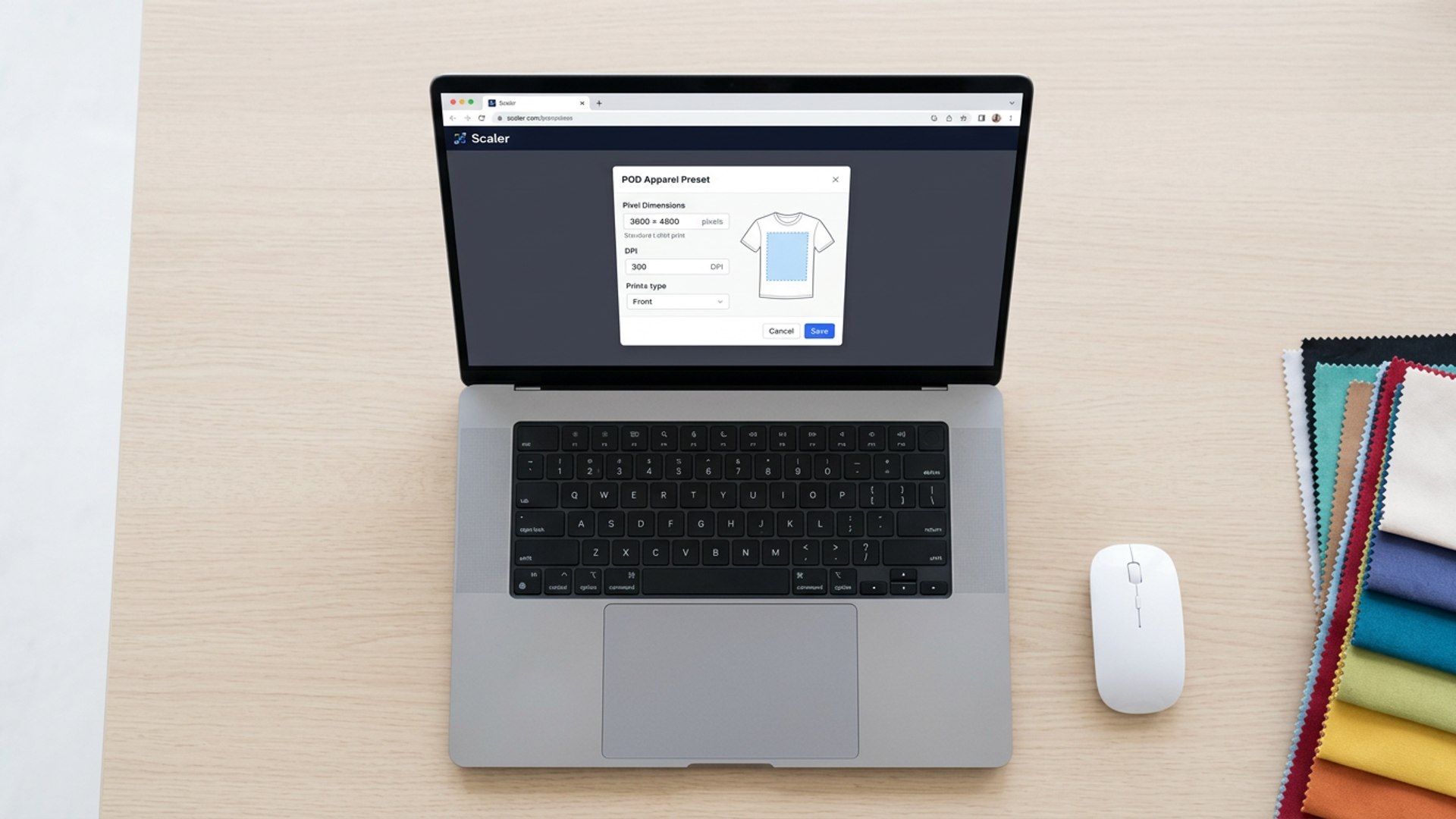 Printful t-shirt size guide: exact pixels and DPI for POD apparel
Exact pixel dimensions and DPI requirements for t-shirts, hoodies, and tanks on Printful, Printify, Redbubble, and TeePublic. One reference, every platform spec, no manual lookup.
September 18, 2026
- KDP book cover dimensions: the complete sizing guide for self-publishers
Get exact full-wrap pixel dimensions for every KDP trim size, the spine-width formula for your page count, and the 300 DPI requirements you need before you upload.
September 18, 2026