Etsy print ratios: the 5 aspect ratios every seller needs
October 26, 2026
Most printable wall art on Etsy fits five aspect ratios: 2:3, 3:4, 4:5, 11:14, and ISO (the A-series). Make one master file per ratio at 300 DPI, and every common frame size is a straight downscale from one of them. No stretching, no surprise crops, no buyer message saying the print doesn't fit the frame.
This guide gives you the five ratios, the pixel size of the largest print in each, and a way to cover them all from one piece of artwork.
Why five ratios and not one file
A buyer doesn't buy "a print." They buy an 8x10 frame, or a 16x24 poster, or an A3 sheet. Those sizes don't share a shape. An 8x10 is 4:5. A 12x18 is 2:3. An A4 is neither.
If you ship one file at one ratio, the buyer has to crop it. Some will. Most won't, and they'll get white bars or a cut-off headline. That's a refund request waiting to happen.
The fix is the one Etsy printable sellers use: a pack of files, one per ratio. The "five ratios" grouping is common practice among printable sellers, not an Etsy rule. Etsy doesn't dictate your ratios, so confirm your listing requirements on Etsy before you upload.
The five ratios and the sizes they cover
| Ratio | Common frame and print sizes (inches) | Largest size, pixels at 300 DPI |
|---|---|---|
| 2:3 | 4x6, 8x12, 12x18, 16x24, 20x30, 24x36 | 24x36 in = 7200 x 10800 |
| 3:4 | 6x8, 9x12, 12x16, 18x24 | 18x24 in = 5400 x 7200 |
| 4:5 | 4x5, 8x10, 16x20 | 16x20 in = 4800 x 6000 |
| 11:14 | 11x14, 22x28 | 11x14 in = 3300 x 4200 |
| ISO (A-series) | A4 8.27x11.69, A3 11.69x16.54, A2 16.54x23.39 | A2 = 4962 x 7017 |
The math is the same everywhere: inches times DPI equals pixels. A 16x20 print at 300 DPI is 16 x 300 = 4800 pixels wide and 20 x 300 = 6000 tall. If you want the full formula and a lookup table for other sizes, read how many pixels you need for any print size.
A note on 5x7. It sits close to the ISO shape (1:1.4) but isn't identical. Sellers often cover it with the ISO file or the 2:3 file and accept a thin trim. Decide that on purpose, not by accident.
Ratio 1 and 2: 2:3 and 3:4
2:3 is the photographer's ratio. Most DSLR frames are 2:3, and it's the shape of a 4x6 and a 24x36 poster. If your artwork started as a photo, start here.
3:4 is a touch squarer. It covers 9x12 and 18x24, and it's the native shape of a lot of phone photos and Canva portrait presets. Check your design's canvas ratio before you assume it's 2:3.
Both are portrait here. For landscape, swap width and height. A 3:2 master at 10800 x 7200 pixels is the same ratio rotated.
Export the 2:3 master at 7200 x 10800 if you want to offer up to 24x36. That's a 77.8-megapixel file, so start from a vector or a high-resolution source. A 2000-pixel image blown up to that size will look soft, and no resize tool fixes that.
Ratio 3 and 4: 4:5 and 11:14
4:5 is the 8x10 family. It's the most requested frame size in many US home decor categories, and 16x20 is the same shape at double the size. At 300 DPI, 8x10 is 2400 x 3000 pixels.
11:14 is the odd one. It's the shape of an 11x14 frame, and it's neither 4:5 (0.80) nor 5:7 (0.714). It's 0.786. Close enough to 4:5 that sellers often skip it, and different enough that a 4:5 file in an 11x14 frame shows a visible sliver of border or a trimmed edge. If you sell to buyers with 11x14 frames, give them their own file at 3300 x 4200 pixels.
Ratio 5: ISO (A-series)
A-series paper is 1:1.414 on every size. Fold an A3 in half and you get two A4s of the same shape. That's why a single ISO master scales cleanly from A5 to A1.
Buyers outside the US use this one, and so do US buyers who print at home on A4. The pixel sizes at 300 DPI are A4 2481 x 3507, A3 3507 x 4962, and A2 4962 x 7017.
Letter paper (8.5x11) isn't ISO. It's 1:1.294, and it's its own case if you sell planners or worksheets.
How much you lose when you crop between ratios
Say you only have a 2:3 design and you want the other four. Holding the width and cutting height from a portrait 2:3 file, you lose this much of the image:
| Crop to | Height lost |
|---|---|
| ISO (1:1.414) | 5.7% |
| 3:4 | 11.1% |
| 11:14 | 15.2% |
| 4:5 | 16.7% |
A loss under 6% is easy. Over 15% can cut the top of a headline or a face. That's your signal: design with a safe zone. Keep text and the subject inside the middle 80% of the canvas and the crop never hurts. Better still, build the artwork on the squarest ratio you plan to sell (4:5), then extend the background for the taller ones.
A workflow that gets all five done
- Pick your source: vector, or a raster at least as large as your biggest target.
- Decide which ratios you're selling. Five is the full pack, three is fine.
- Build or extend the canvas for each ratio with a safe zone. Don't stretch.
- Export at the largest size for each ratio, 300 DPI, PNG or high-quality JPEG.
- Name files by ratio and size, such as
art_4x5_16x20.png, so the buyer knows what to open. - Zip them, and tell the buyer in the listing which file fits which frame.
Step 4 is where a resize tool earns its place. Scaler is one way to do it. It runs in your browser, so your artwork never uploads, and you don't need an account. Pick a size and DPI, drop your file in, and export PNGs with the DPI metadata set, so print services read the resolution automatically. Batch export gives you the set as a ZIP. You get three free exports per browser session, enough to check the sizes before you spend anything. If you hit the limit, a $3 one-time session unlock covers the rest of that session. The site lists current plan details, so check there for what each tier includes. For another walkthrough of the resize steps, see how to resize images for Etsy print on demand.
Platform specs change. Confirm Etsy's current file and listing requirements on Etsy itself before you publish.
Next step
Open your best-selling design, check its canvas ratio, and list which of the five ratios you don't have yet. Build the missing one first. Then run the exports in Scaler and add the ZIP to your listing.
Keep reading
- Batch resize artwork for Etsy, KDP and Printful
Batch resize artwork for Etsy, KDP and Printful from one master file. Why chained resizes go soft, how to crop each ratio, and how to export every size at once.
November 9, 2026
 Bleed and safe zone for print files: set them up right
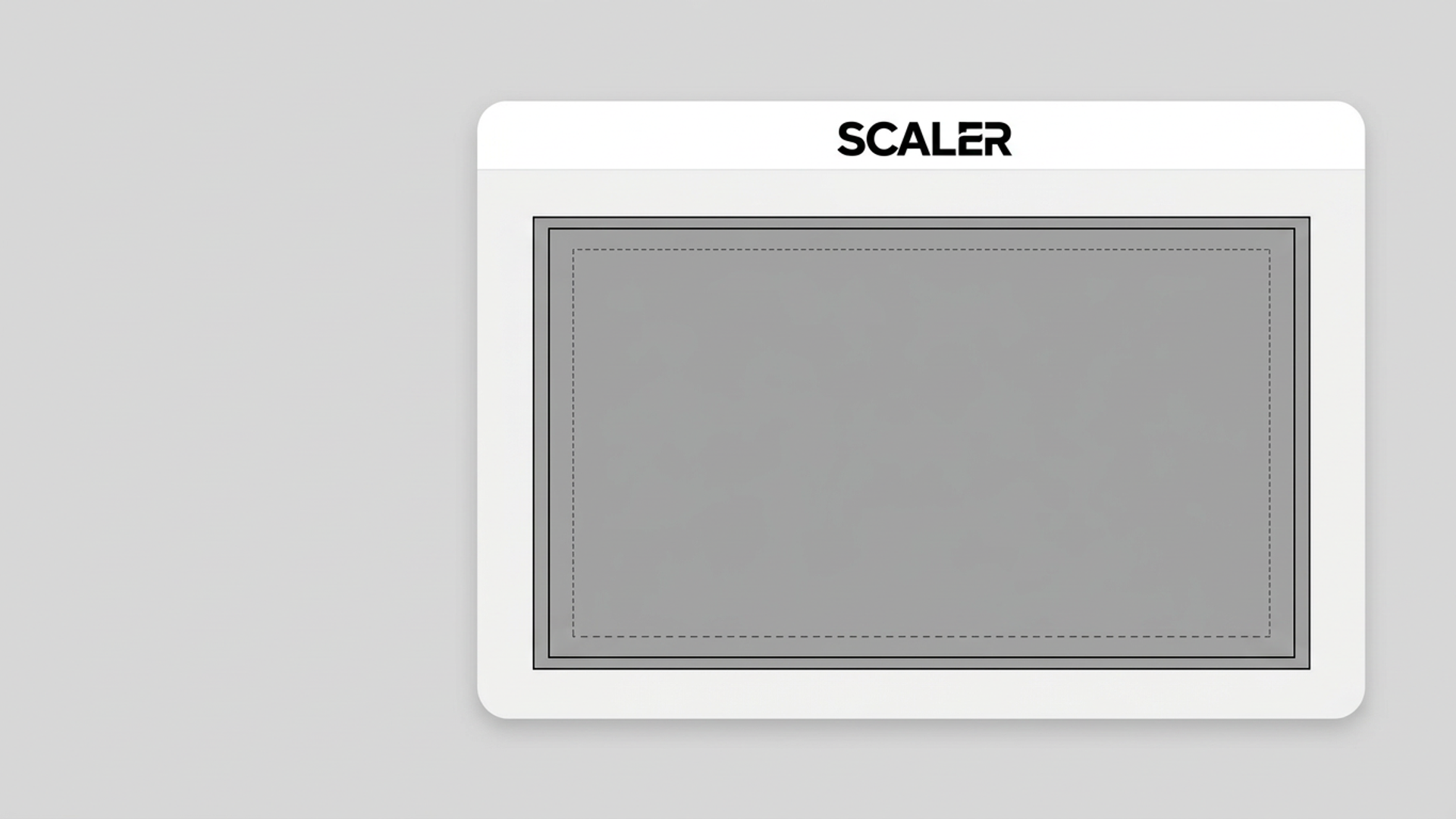
Bleed is the extra artwork past the trim line. The safe zone is the margin where text stays. Here is the pixel math at 300 DPI, a checklist, and the mistakes that get covers rejected or text cropped.
November 2, 2026
 How many pixels you need for any print size (DPI math)
Print width in inches times DPI gives the pixels you need. Here is the formula, a lookup table for common poster and canvas sizes, and how to check whether your source file is big enough.
October 19, 2026