How many pixels you need for any print size (DPI math)
October 19, 2026
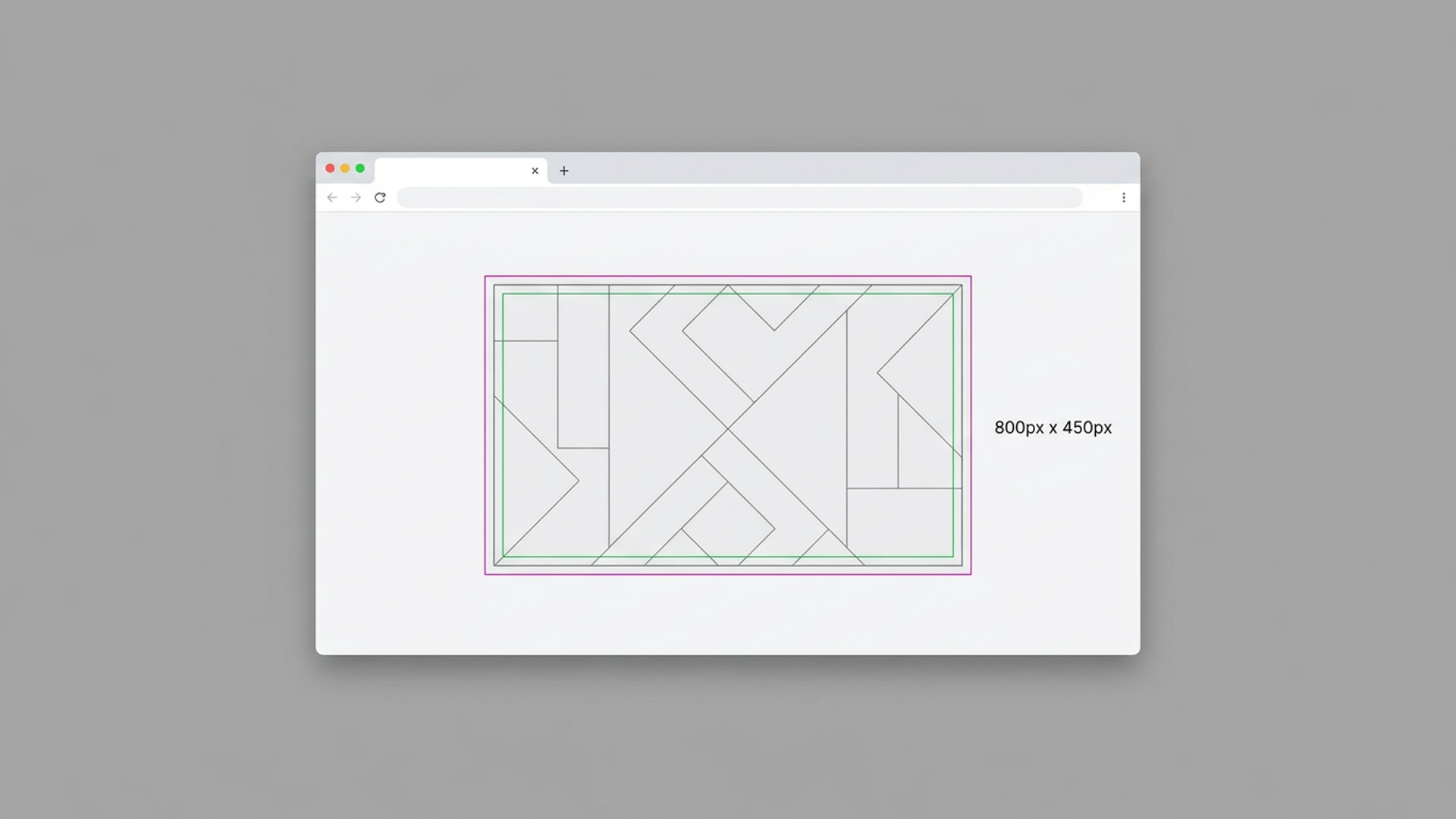
To find how many pixels a print needs, multiply each side in inches by the DPI. An 18 x 24 inch poster at 300 DPI needs 5,400 x 7,200 pixels. This guide is for Etsy sellers, KDP authors and POD merchants who have a source file and need to know if it is big enough before they upload.
The formula
Pixels = inches x DPI. Do it once for width, once for height.
- 8 x 10 inches at 300 DPI: 2,400 x 3,000 px
- 8 x 10 inches at 150 DPI: 1,200 x 1,500 px
That is the whole calculation. DPI is only a statement of how many pixels land in each inch of paper. A printer does not add detail. It spreads the pixels you give it across the sheet. Fewer pixels per inch means bigger dots and a softer print.
Higher DPI is not always better. Past a certain density the eye cannot tell the difference, and the file just gets heavier. Your platform's template tells you the target. Where it gives a range, check which number applies to your product before you export.
Pixel lookup table for common print sizes
Here are common sizes at two DPI targets. Use the one your platform asks for.
| Print size (inches) | Aspect ratio | At 150 DPI | At 300 DPI |
|---|---|---|---|
| 8 x 10 | 4:5 | 1,200 x 1,500 | 2,400 x 3,000 |
| 11 x 14 | 11:14 | 1,650 x 2,100 | 3,300 x 4,200 |
| 16 x 20 | 4:5 | 2,400 x 3,000 | 4,800 x 6,000 |
| 18 x 24 | 3:4 | 2,700 x 3,600 | 5,400 x 7,200 |
| 24 x 36 | 2:3 | 3,600 x 5,400 | 7,200 x 10,800 |
Notice the jump. Going from 8 x 10 to 24 x 36 at 300 DPI takes you from 7.2 million pixels to 77.8 million. Large prints need a large master file. A phone-sized export will not stretch.
How to check if your source file is big enough
Work backwards. Divide your file's pixels by the print size in inches. The smaller result is your effective DPI.
Example: your artwork is 3,000 x 4,000 px and you want a 24 x 36 inch poster.
- Width: 3,000 px / 24 in = 125 DPI
- Height: 4,000 px / 36 in = 111 DPI
- Effective DPI is the lower number: about 111
That is below a 150 DPI target and far below 300. The file is too small for that size. It is fine for an 11 x 14 inch print: 3,000 / 11 is 272, and 4,000 / 14 is 285. Close to 300, and usable if your platform accepts it.
Do this before you build a listing, not after a customer complains about a soft print.
Why upscaling does not fix a small file
Say your effective DPI comes out at 111 and the target is 300. You can resize the file to 7,200 x 10,800 px and the numbers will read right. The detail will not be there. Software invents the extra pixels by averaging their neighbors, so edges go soft and fine lines smear.
A resized file carries the correct DPI tag. It does not carry more information. Three honest options:
- Re-export from the original source (a Canva design, a PSD, a vector file) at a larger size.
- Sell the artwork at smaller print sizes that your pixels can support.
- Recreate the piece at a bigger canvas if the only copy is low resolution.
Scaling down is the safe direction. Our guide on resizing images for Etsy print on demand covers where small upscales stay acceptable and where they do not.
Aspect ratio comes before pixels
Pixel counts only help if your artwork has the same shape as the print. A 3:4 file forced into a 2:3 poster has to be cropped or padded. Decide which before you export.
Safe habit: pick the ratio first, then the size.
- 4:5 covers 8 x 10 and 16 x 20.
- 3:4 covers 18 x 24.
- 2:3 covers 24 x 36 and 12 x 18.
- 11 x 14 is its own ratio, so it often needs a separate crop.
If you sell one design in several sizes, build the master at the largest ratio you offer and crop down from it. Keep important elements inside the safe zone, the inner area that never gets trimmed or wrapped.
Bleed and canvas wraps
Bleed is extra image beyond the trim line so a cut that lands slightly off does not leave a white edge. Pixel math covers it the same way: add the bleed in inches to each side, then multiply by DPI. At 300 DPI, 0.125 inches of bleed is 37.5 pixels per edge.
Canvas products add a second question: how much of the image wraps around the frame. That depends on the provider and the stretcher bar depth. Read the template on your provider's product page, then enter those exact dimensions rather than guessing. For book covers, our KDP book cover dimensions guide works the bleed and spine math through.
Run the numbers in Scaler
Scaler does the multiplication for you. Open the Scaler tool, drop in your file, and pick a size from the preset list. Target DPI options run from 72 to 600, and a Custom option takes any dimensions. The output line shows the exact pixel size, for example 2,550 x 3,300 px at 300 DPI for US Letter.
The exported PNG carries the DPI metadata, so print services read the resolution on their own. Everything runs in your browser. Nothing uploads, no account is needed, and the page works offline once loaded.
Free exports run three per session, so test with your real file and check the pixel count before you spend anything. Platform-specific dimensions for Etsy, KDP, Printful, Printify and Redbubble are listed in our pixel guide for 2026.
Next step: pick your biggest-selling print size, run the divide-by-inches check on your master file, and see whether it clears your platform's DPI target.
Keep reading
- Batch resize artwork for Etsy, KDP and Printful
Batch resize artwork for Etsy, KDP and Printful from one master file. Why chained resizes go soft, how to crop each ratio, and how to export every size at once.
November 9, 2026
 Bleed and safe zone for print files: set them up right
Bleed is the extra artwork past the trim line. The safe zone is the margin where text stays. Here is the pixel math at 300 DPI, a checklist, and the mistakes that get covers rejected or text cropped.
November 2, 2026
- Etsy print ratios: the 5 aspect ratios every seller needs
Most Etsy printable wall art fits five aspect ratios: 2:3, 3:4, 4:5, 11:14 and ISO (A-series). Here are the pixel sizes at 300 DPI and how to cover every frame size from five master files.
October 26, 2026