Printful t-shirt size guide: exact pixels and DPI for POD apparel
September 18, 2026
The short answer: for a standard front chest design on Printful, you need 1800 x 2400 pixels at 150 DPI. Printify wants the same design at 4500 x 5100 pixels at 300 DPI. Upload the wrong one to the wrong platform and the print comes out soft. This guide gives you the exact numbers for every common apparel item across four platforms, and explains why the DPI gap between them is not a mistake.
Why Printful and Printify use different DPI specs
This is the single biggest point of confusion. Printful prints most DTG garments at 150 DPI. Printify recommends 300 DPI. Both platforms produce similar physical print quality. The difference is in how they measure.
Printful works at 150 DPI with a physically larger print area. So a 12 x 16 inch print at 150 DPI means you need 1,800 x 2,400 pixels. Printify uses 300 DPI across a similar print area, which means their pixel targets are roughly twice as large. If you submit a Printful-sized file to Printify, it only covers half the template, and the print will look undersized or soft.
Start from your Printify file (the larger one) and downsize to Printful's spec. Never the other way around.
Wrong dimensions cost you a rejected file or a soft print. Sized right the first time means no reorders, no refunds.
Printful apparel specs: pixels and DPI
Printful recommends PNG or JPG files. Transparent backgrounds require PNG, which is essential for white ink printing on dark garments. Color mode: sRGB. Check each product's template in Printful's Design Maker for the exact print area, since dimensions vary by garment model.
| Product | Print area | Target pixels | DPI |
|---|---|---|---|
| T-shirt front chest | 12 x 16 in | 1800 x 2400 | 150 |
| T-shirt full front (oversized) | 15 x 22 in | 2250 x 3300 | 150 |
| Hoodie front chest | 12 x 16 in | 1800 x 2400 | 150 |
| Tank top front | 10 x 12 in | 1500 x 1800 | 150 |
| All-over print (full garment) | 30 x 36 in | 4500 x 5400 | 150 |
| Left chest logo | 4 x 4 in | 600 x 600 | 150 |
For all-over print garments, the pixel canvas is significantly larger to cover the full garment from seam to seam. The Printful placement guide describes this as "bold graphics that wrap the garment seam to seam," confirming the full-garment coverage requirement. Always verify the exact template pixel dimensions inside Printful's Design Maker before exporting.
Printify apparel specs: pixels and DPI
Printify's templates vary slightly by print provider, but these are the standard dimensions for the most common items. All specs below are at 300 DPI.
| Product | Target pixels | DPI |
|---|---|---|
| T-shirt front | 4500 x 5100 | 300 |
| Hoodie front | 4500 x 4200 | 300 |
| Tank top front | 4200 x 4800 | 300 |
| All-over shirt | 5400 x 6480 | 300 |
| Tote bag (front) | 4800 x 4800 | 300 |
Printify shows a product-specific template in its design editor. Your file needs to fill that template's pixel canvas exactly. A file that fits the canvas on screen but was built at 72 DPI will look sharp in the preview and soft in print.
Redbubble apparel specs
Redbubble takes a different approach entirely. You upload one master file, and Redbubble scales it to every product in your shop. That includes stickers, tapestries, and yes, t-shirts. Because the file has to work across everything, the target is large.
Recommended master file: 6000 x 6000 pixels (or 6000 px on the longest side for non-square artwork).
| Item | Minimum acceptable | Recommended |
|---|---|---|
| T-shirt / apparel | 2400 x 3200 | 6000 x 6000 |
| Sticker | 1500 x 1500 | 6000 x 6000 |
| Tapestry / large format | 6000 x 6000 | 8000+ |
Redbubble accepts PNG and JPG. PNG is preferred for artwork with transparency. Max file size is 300 MB. If your master comes in under 2400 px on either side, Redbubble will warn you that print quality may be affected.
TeePublic apparel specs
TeePublic also uses a single master file per design. The recommended upload size for most apparel products is 4200 x 4800 pixels, with a minimum of 2400 px on the shortest side. PNG format is preferred. The platform scales from there.
| Product | Recommended pixels |
|---|---|
| T-shirt (standard) | 4200 x 4800 |
| Hoodie | 4200 x 4800 |
| Tank | 4200 x 4800 |
TeePublic's minimum accepted file is significantly smaller than Redbubble's, but going above the minimum always produces a sharper result. If you already have a 6000 x 6000 master for Redbubble, use the same file for TeePublic.
Why resizing on your own machine protects quality
Every time you resize an image, quality can shift. Uploading a file and letting a platform resize it means you have no control over how that scaling happens. Platforms prioritize fast processing, not optimal sharpness.
The alternative: resize client-side before upload, using a tool that applies proper bicubic or Lanczos resampling. You see the output before it goes anywhere. If the result is not sharp, you adjust. If the platform resizes it for you, you only discover the problem after the order ships.
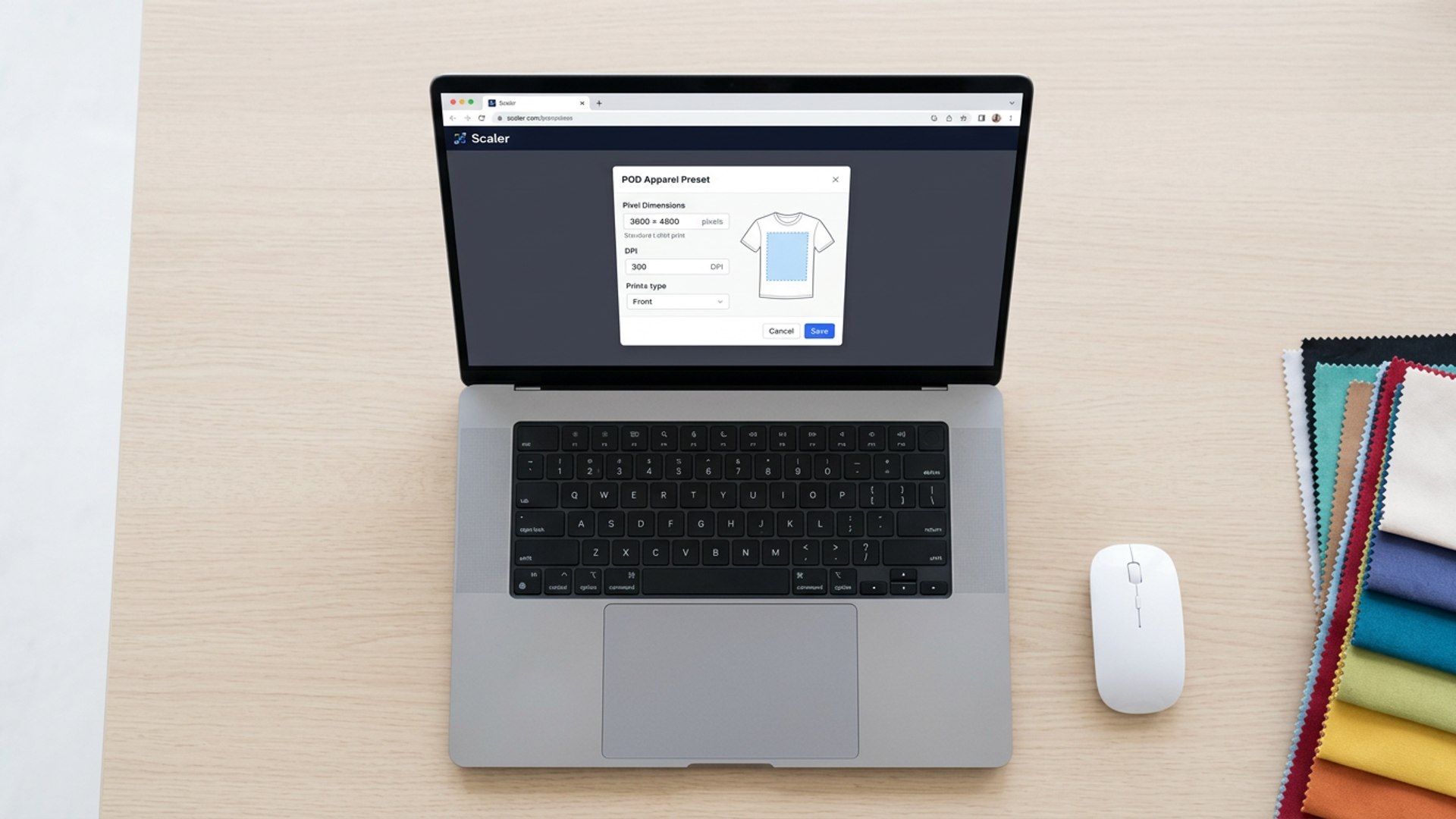
This is exactly the gap Scaler fills. Your file never leaves your browser. Scaler applies DPI-accurate scaling, generates a print-ready export at the exact pixel target for each platform, and packages everything for download. No upload. No guesswork.
How Scaler handles apparel exports in one session
- Drop your source file into Scaler at /tool. Start with the largest version you have.
- Pick the POD preset tab. Select Printful, Printify, or a custom pixel target.
- Check the canvas preview. Scaler shows the output dimensions and DPI before you export.
- Export each platform version. The first three exports are free, no account needed.
- If you are exporting for multiple platforms in the same session, the $3 session unlock covers everything in that browser window.
The workflow takes a few minutes for three platform exports. Manual resizing, looking up specs, and recalculating pixel math takes longer and introduces more room for error.
Frequently asked questions
What is the best pixel size for a t-shirt design? It depends on the platform. Printful front chest designs: 1800 x 2400 px at 150 DPI. Printify front designs: 4500 x 5100 px at 300 DPI. Redbubble master file: 6000 x 6000 px. Build from the largest target (Redbubble or Printify) and downsize from there.
What pixel size is 8.5 x 11 at 300 DPI? 2550 x 3300 pixels. Multiply each inch measurement by 300 to get pixels. This is a common size for art prints and digital downloads, not standard apparel, but the math applies everywhere.
What are the image size requirements for Printful? Printful works at 150 DPI at the finished print dimensions. For a standard 12 x 16 inch front chest design, that means 1800 x 2400 pixels. For all-over print garments, the canvas is much larger to cover the full garment. PNG with a transparent background is required for designs that need white ink on dark garments.
What are the recommended shirt design sizes for Printify? Printify's standard t-shirt front template is 4500 x 5100 pixels at 300 DPI. Hoodies run 4500 x 4200 px. Always check the specific product template in Printify's design editor, as specs can vary by print provider.
For broader pixel specs beyond apparel (Etsy listings, KDP covers, poster sizes), see the complete pixel guide for 2026. For a step-by-step walkthrough of resizing without quality loss, see how to resize images for Etsy print on demand.
Ready to export your first apparel file? Open Scaler at /tool. Free for your first three exports, no account required.
Sources
- Printful: How to prepare perfect print files for print-on-demand
- Printful: T-shirt design placement guide
Keep reading
- KDP book cover dimensions: the complete sizing guide for self-publishers
Get exact full-wrap pixel dimensions for every KDP trim size, the spine-width formula for your page count, and the 300 DPI requirements you need before you upload.
September 18, 2026
- How to resize images for Etsy print on demand (the right way)
Blurry listing photos and soft-looking printables usually come down to one thing: wrong pixel dimensions or wrong DPI. Here is the step-by-step process to get both right before you upload.
August 10, 2026
- Exact image sizes for Etsy, KDP, and print-on-demand: the pixel guide for 2026
The complete reference for pixel dimensions on every major print platform. No guessing, no rounding, no failed uploads.
August 7, 2026